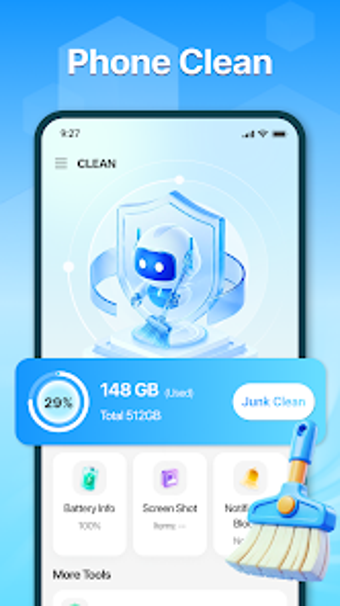
Cleaner box: Android storage cleaner with image compression tools
Try Cleaner box by mo kai manning to reclaim storage on Android smartphones and tablets. The app targets clutter removal by scanning for junk files, system cache, residual data and temporary files. It combines a large-file scanner and a Picture Compression tool with app management and storage analysis. Android users with older devices or large media collections gain a straightforward way to free space and reorganize storage without advanced setup.
What the app actually removes and reports
Cleaner box operates as a storage maintenance utility that identifies several forms of unwanted data. It locates junk files, system cache, residual data from uninstalled apps, temporary files and obsolete APKs. The app also presents a storage breakdown so users can see which categories take the most space before making deletions. This presentation supports selective cleanup rather than blind removal.
How it reclaims significant space quickly
The tool includes a specialized large-file scanner called Bear Clean that finds oversized items for targeted deletion, plus a dedicated Picture Compression option that reduces image file sizes rather than deleting photos. These two approaches address different needs: remove a single large video to free gigabytes, or compress many images to regain smaller increments across a large gallery.
Is it safe to run on personal devices?
The app's safety posture is documented in its store declaration: the developer states that no personal data is shared with third parties and no data is collected during use. Because Cleaner box performs file deletions and compression, users should review scan results before confirming actions to avoid removing needed files inadvertently.
Who can operate it without technical skills
The design is aimed at Android smartphone users seeking a straightforward storage tool, so casual users can use basic cleanup flows and selective delete dialogs. The app may display advertisements typical of similar utilities, which can interrupt workflows during interaction. Advanced users can still use selective scans for targeted reclamation without digging into low-level settings.
Practical choice for space-limited Android devices, with measurable trade-offs
Cleaner box is a practical option for Android users who need direct storage maintenance and image-size reduction; the developer's portfolio of similar utility apps indicates focused expertise. Expect a mixed user experience according to its 3.2-star Play Store rating, so evaluate its behavior on non-critical data first. The app suits people who want straightforward space recovery while accepting typical ad-supported app behavior.